
In this tutorial, we will learn about Environment setup for C Programming. To run c programs we need two things in our machine first one is TextEditor and the second one is c compiler. We will write code in the TextEditor and our second software the compiler will help us to compile our written program into machine-readable form(in binary language).
Page Contents
Environment setup for C Programming(In windows):
- Download a Text Editor Notepad++ or Vim or any other.
- Download C Compiler TDM-GCC
- Install TextEditor and Compiler
Environment setup for C Programming(In MAC):
- Download and install Xcode on an Apple Mac from App Store
- Install GCC/LLVM compiler on from Xcode->Preferences– > Downloads– > choose “Command line tools” > Click “Install” button:
- To check you have successfully installed it C compiler write following command in terminal: $ gcc –version
Environment setup for C Programming(In Linux):
- Write following command in terminal to install C compiler: sudo apt install GCC
- Type ‘y’ when you get a message in terminal like this “Do you want to continue?” and then press Enter.
- After successful compilation write gcc –version to check the current installed version of C compiler,
IDE for C Programming:
There are various Integrated Development Environment software available for all operating systems(windows, Linus, Mac). You can also download IDE and it will automatically download compiler. Here is List of some popular IDE software:
Please keep continue with the next tutorial. In the next tutorial, we will write our first program in C language. Click here to open the next tutorial.
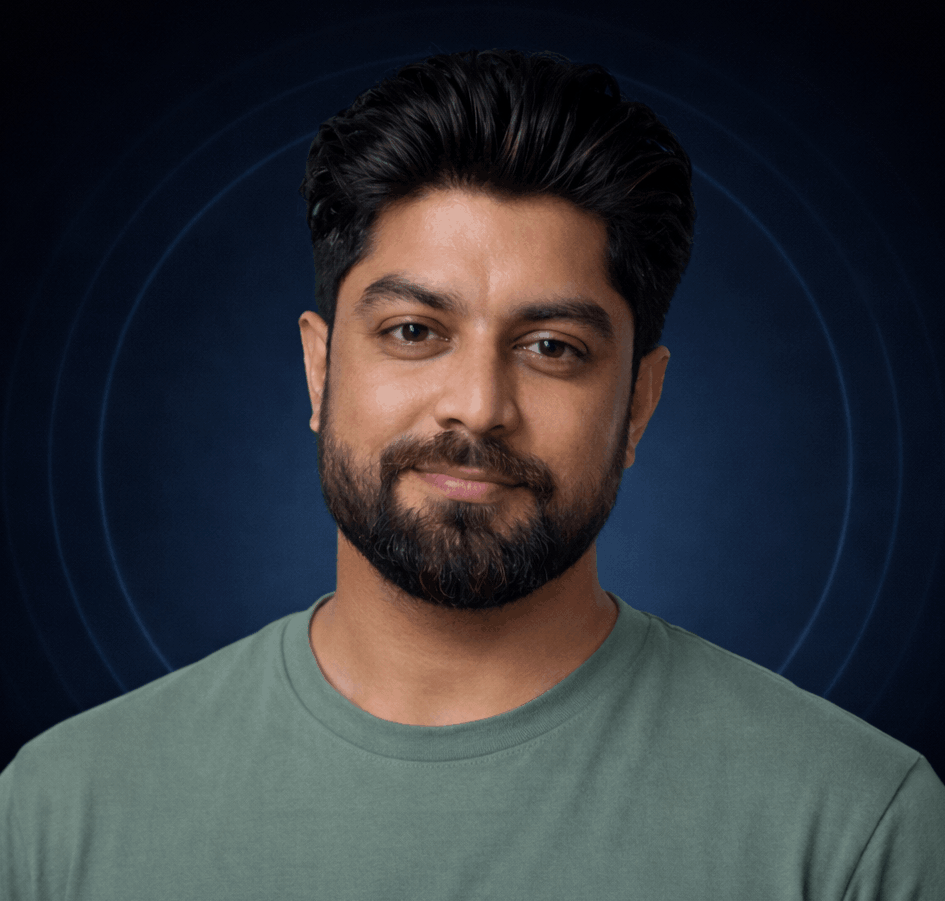
Parvesh Sandila is a results-driven tech professional with 8+ years of experience in web and mobile development, leadership, and emerging technologies.
After completing his Master’s in Computer Applications (MCA), he began his journey as a programming mentor, guiding 100+ students and helping them build strong foundations in coding. In 2019, he founded Owlbuddy.com, a platform dedicated to providing free, high-quality programming tutorials for aspiring developers.
He then transitioned into a full-time programmer, where his hands-on expertise and problem-solving skills led him to grow into a Team Lead and Technical Project Manager, successfully delivering scalable web and mobile solutions. Today, he works with advanced technologies such as AI systems, RAG architectures, and modern digital solutions, while also collaborating through a strategic partnership with Technobae (UK) to build next-generation products.